



Temporary · About team popup
Ten treatments for the Read more bio dialog. Each row shows a static preview; use Open popup to see overlay, close, and click-outside.
Opposite-radius panel, left sky–navy accent, photo left / bio right. Closest to the new team card.
Full-width portrait across the top, name and bio stacked below.
Photo full-bleed on the left half, copy on the right.
Circular headshot, gold rule, bio. Narrower dialog.
Sky–navy gradient header with name and title; white body below.
No photo. Tight 520px dialog — name, title, bio only.
Large portrait background with a navy glass panel for the copy.
Slides in from the right. Photo on top, bio scrolls.
Technical Hub-style photo cut, then white bio panel.
White panel, 1px navy outline, left accent, no heavy shadow.
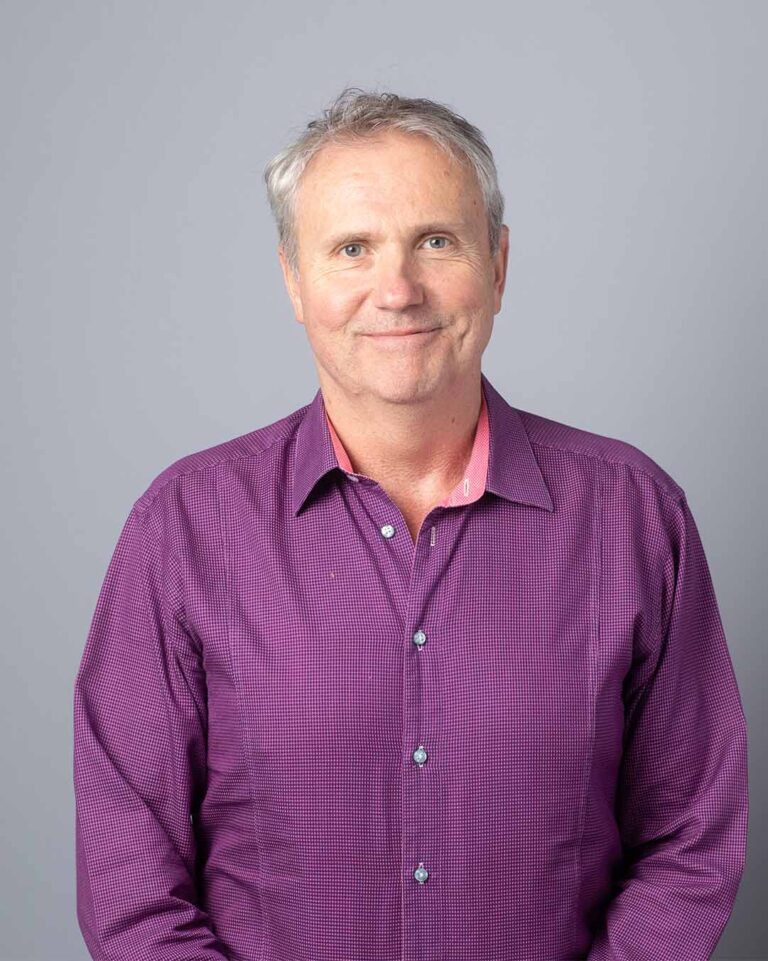
President & CEO
David rejoined the company in March 2014. He previously held the positions President & CTO and President & COO. Since first joining the company in 2001, David has been instrumental in the commercial development of BQE Water’s process technologies and has overseen plant design, engineering and operations. David received his PhD from the Faculty of Chemical Engineering, BioEngineering from McGill University in Montreal and has 20+ years experience in wastewater treatment and chemical processing.